
Technology
What if you knew while it was happening at the ATM, not afterwards?
At an ATM at night, detect, notify, check, respond, bookmark and review become one cycle. Worked through with a Milesight camera, Nx Witness and a speaker.
The greatest weakness of a surveillance camera is not the quality of its picture. It is how late it responds to what it has seen.
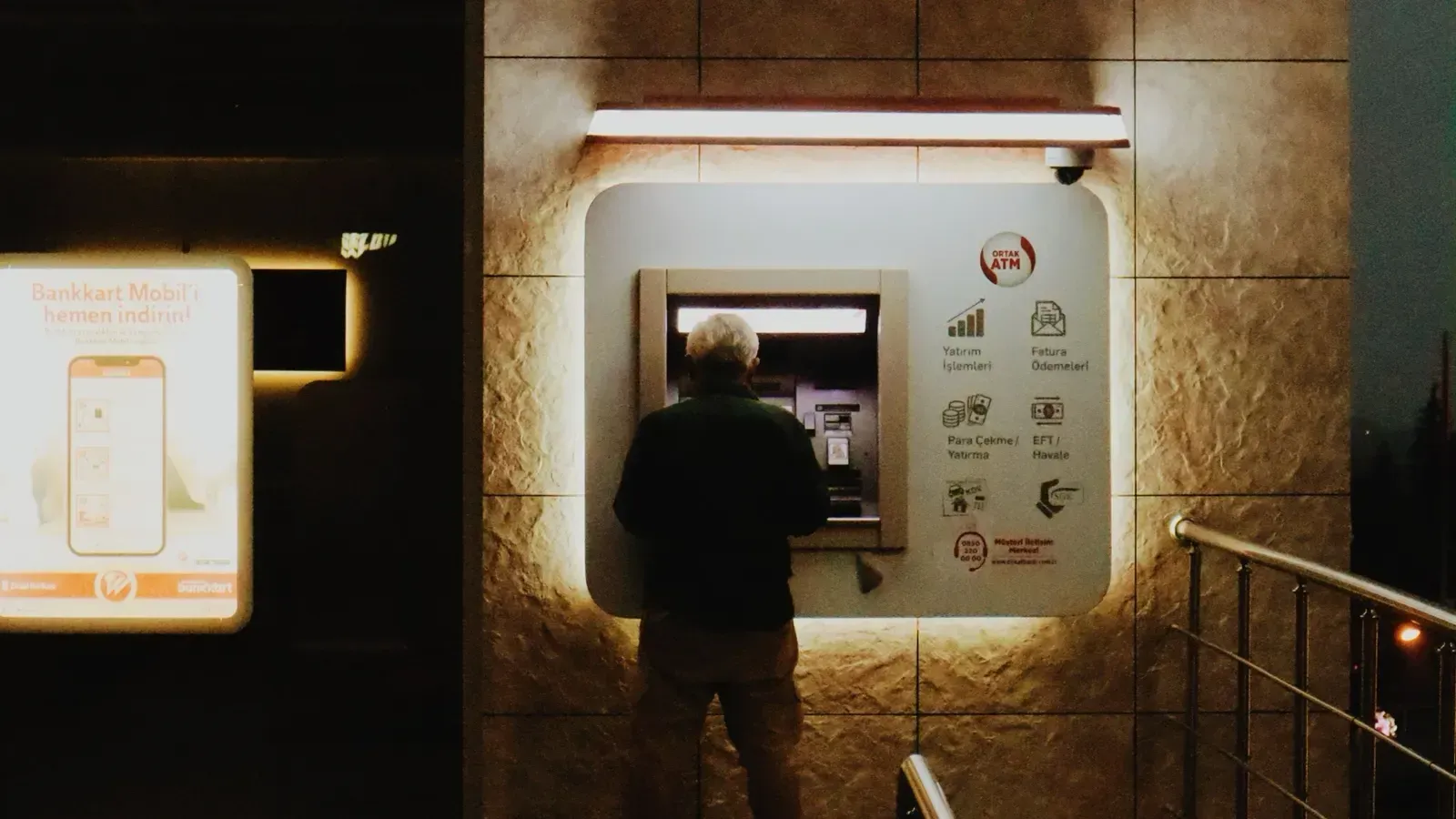
Say someone arrives in front of a cash machine (ATM) at 02:14. The camera sees them and is recording. By 02:17 that person is still standing in the same spot without using the machine. The camera has recorded that too.
If a problem comes to light the following morning and the footage is reviewed, everything is there. What time that person arrived, where they stood, how long they stayed and what they did next can all be reconstructed from the recording. The camera did its job.
But one question is left over. While it was happening, did anyone know?
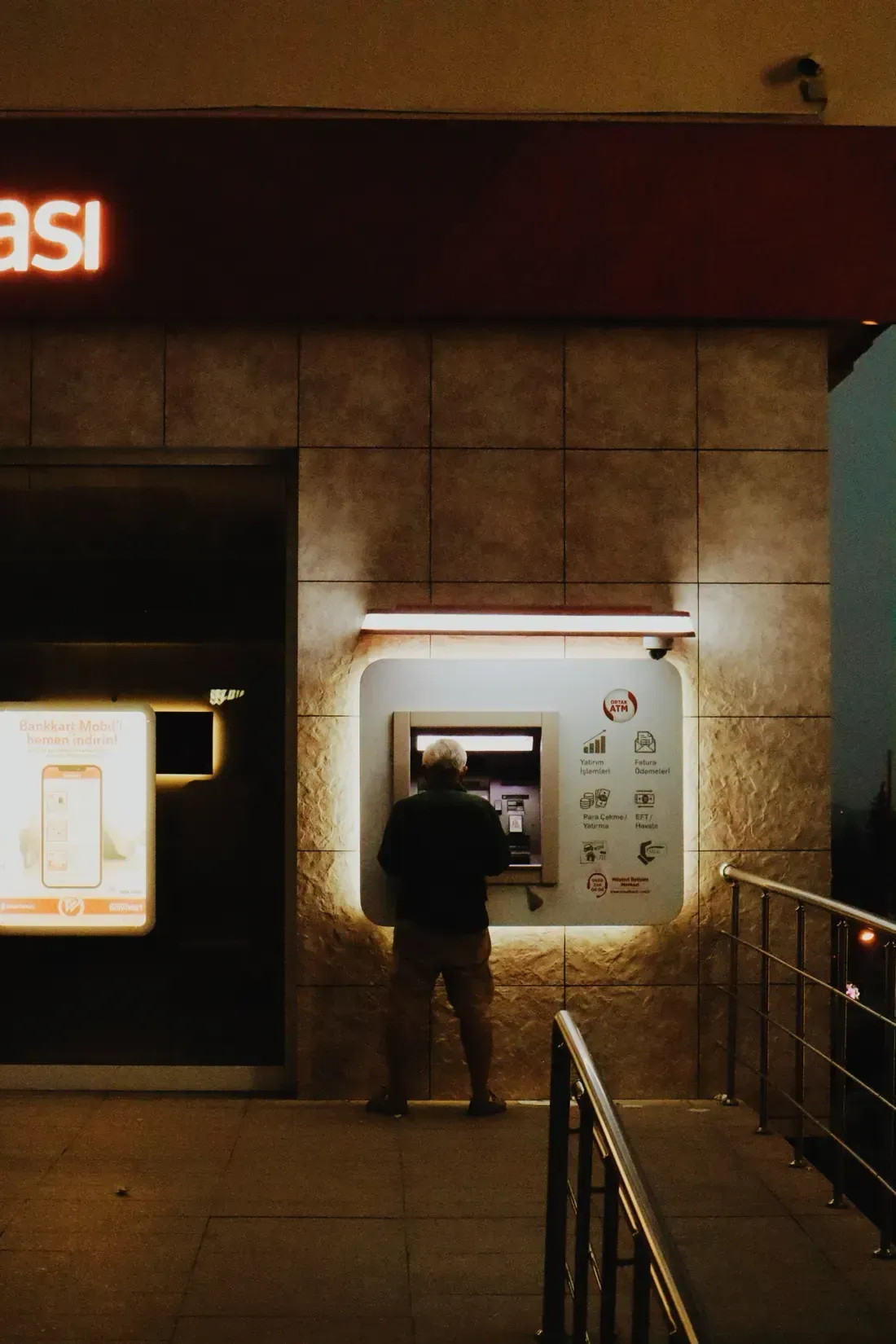
The value of a modern video system begins precisely here. A camera's role is not only to record and keep what has happened. It has to detect a situation that needs attention while it is happening, tell the operator, and give them a way to check what is going on.
Where it is needed, the operator can speak directly to the person at that location and pass the information to the security team. Once the event is over, the relevant footage should be marked and left in a form that can be reviewed later.
That way a camera system does not only show "what happened?" — it answers "what is happening right now, and what do we need to do?"
Adding more cameras does not solve this on its own
An ATM is a different environment from a bank branch. It runs for twenty-four hours. The people in front of it change constantly. Some ATMs sit in their own small room, some in a shopping centre, some outdoors.
You cannot post a guard at every location. So a bank ends up having to watch many ATMs, branches and service points from one monitoring centre.
And here a simple difficulty appears. As the number of cameras rises, the number of pictures rises. The operator's attention does not. Ten cameras is one thing. A hundred is another. By the time there are several hundred, an operator watching every screen with equal attention at every moment is not realistic.
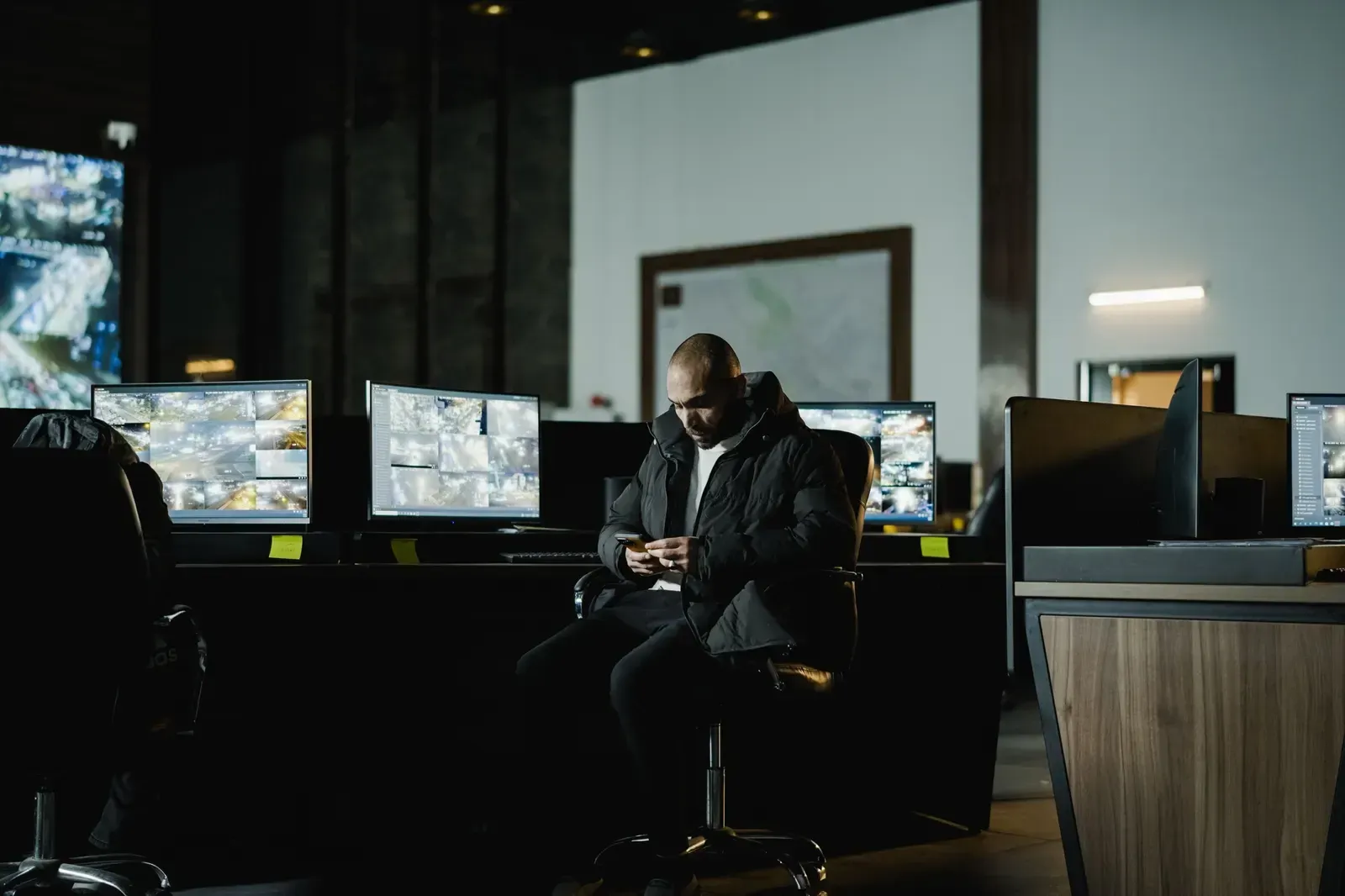
So before asking "how many more cameras do we add?", a different question is needed. Should the operator be watching every camera all the time? Or should the camera be the one telling the operator which moment needs attention?
What if the camera found the situation itself
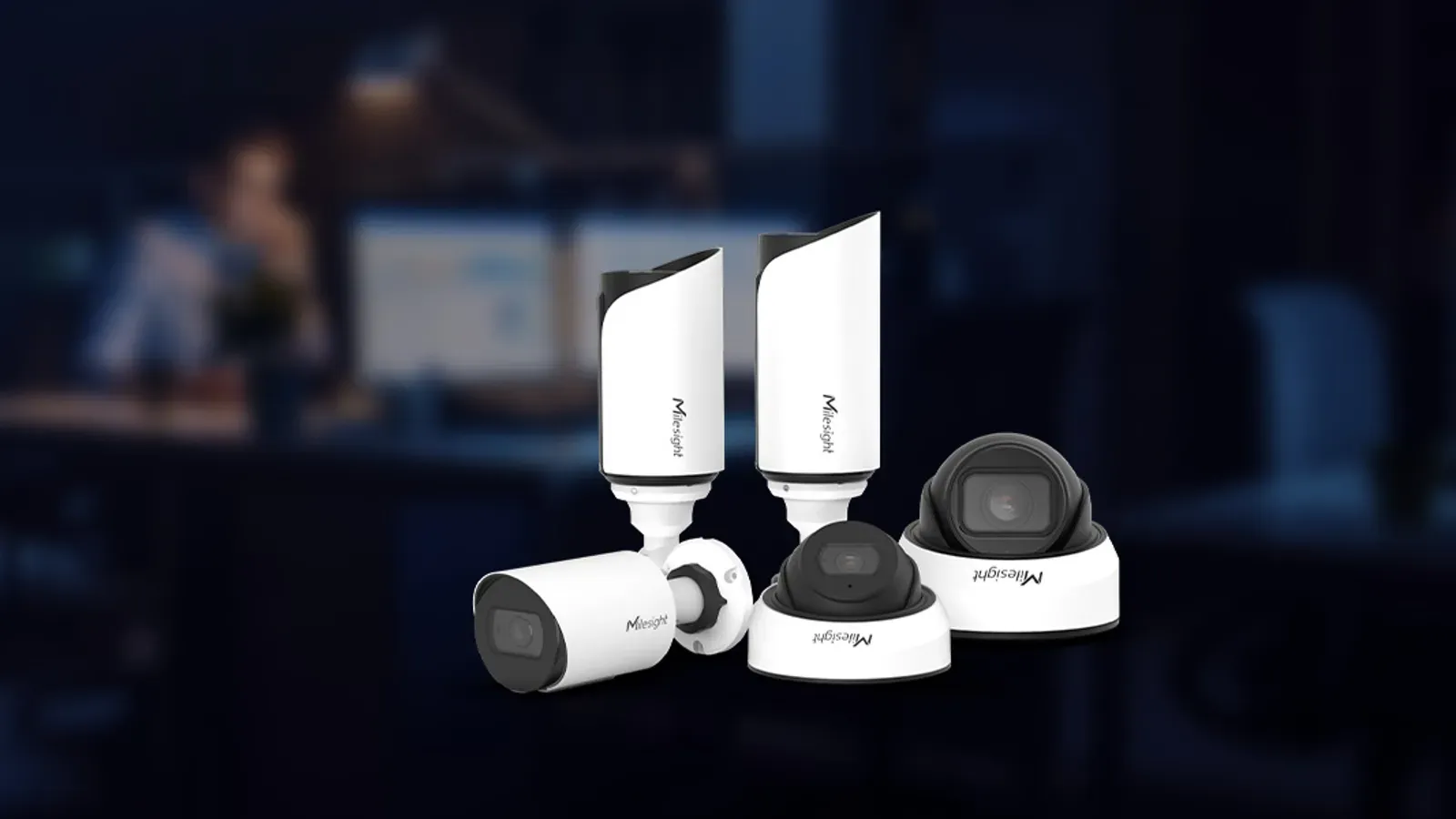
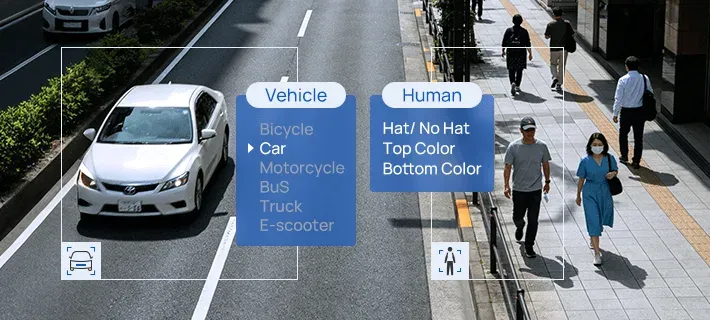
This is where Milesight's on-camera video analytics comes in. A person arriving at an ATM is not in itself a problem. People arrive in order to use the ATM.
But what if that person stays longer than normal in a predefined area? Enters a restricted zone? Crosses a particular line? What if there is an attempt to block or move what the camera can see? Each of these can be configured as a situation the operator ought to attend to.
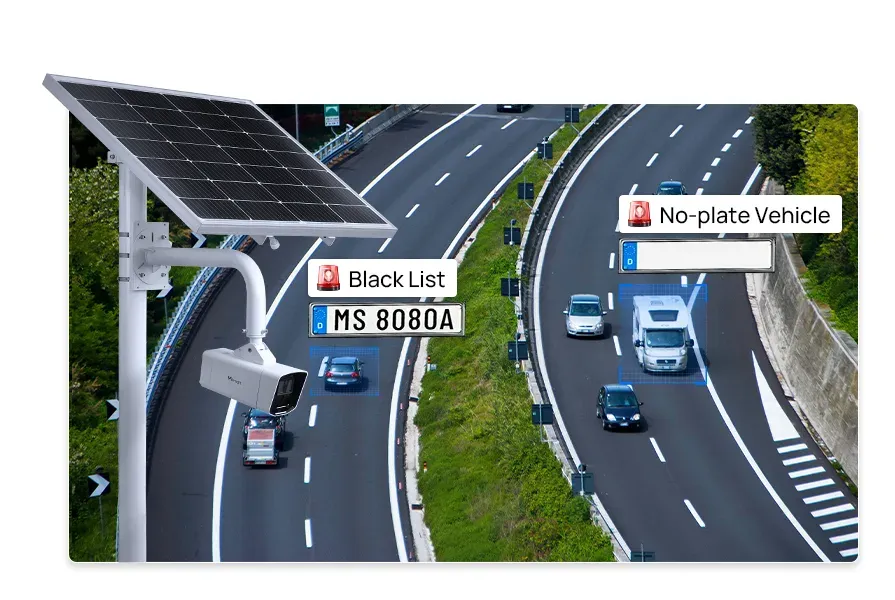
Milesight's video analytics can detect conditions such as loitering, entering a restricted zone, leaving a zone, crossing a line, obstructing the camera's view, and objects left behind or taken away.
Getting what was detected to the right person
At 02:17 a person has stayed in a defined part of the ATM area longer than the configured time. The Milesight camera detects this and raises an alarm.
But a smart camera on its own is not a security system. If what it detected does not reach the right person, the value of the camera's analytics ends there.
This is where Nx Witness comes in. The basic sequence is: Milesight camera → Detection → Nx Witness → Notification → Operator.
The alarm raised by the Milesight camera's video analytics can be tied to a rule in Nx Witness. When the configured condition occurs, Nx Witness notifies the operator.
The operator no longer has to search for the problem among many small pictures. The system points to which ATM has a situation needing attention. The operator opens the live picture from that camera and checks what is going on.
One chain, left to right. On site: a Milesight camera detects the event with edge analytics. Centrally: Nx Witness notifies the operator under its Event Rules, and the operator checks the live picture. On site: a speaker delivers the spoken warning. Centrally: the event is kept as a bookmark and reviewed in the audit the next day.
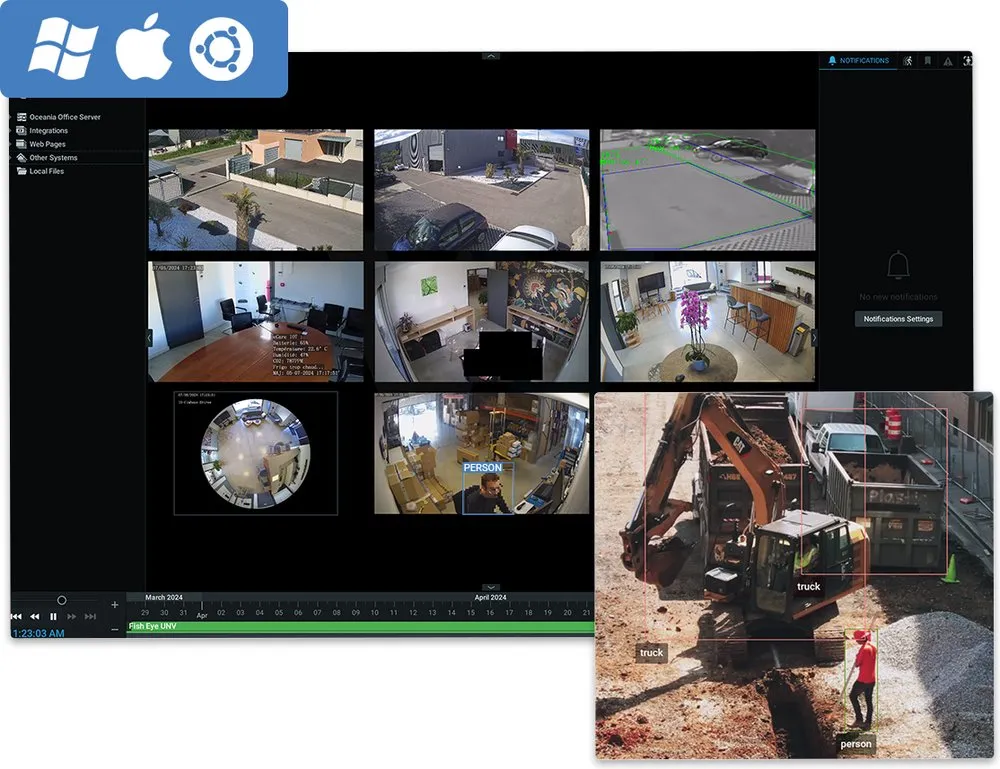
And here is the important boundary where the technology hands over to the person. The camera notices. The operator understands and decides. Because not everyone who stays for three minutes is a threat. It might be someone having trouble with the machine. It might be someone waiting for another person. Or it might genuinely be a situation calling for a security response.
So the purpose of video analytics is not to replace the person. It is to get the right information to them at the right time.
The operator can give a warning on the spot
The operator checks the live picture and judges that the situation needs attention. But it takes time for a guard to reach that ATM. What can be done in the meantime?
If a Milesight camera with audio is in use, two-way speech with the person at that location is possible through Nx Witness. The operator can say, for example: "You are in a monitored area. Please move on." — before anyone arrives in person. Where the camera's own speaker is not enough for the size of the area or the noise in it, an additional speaker can be used.
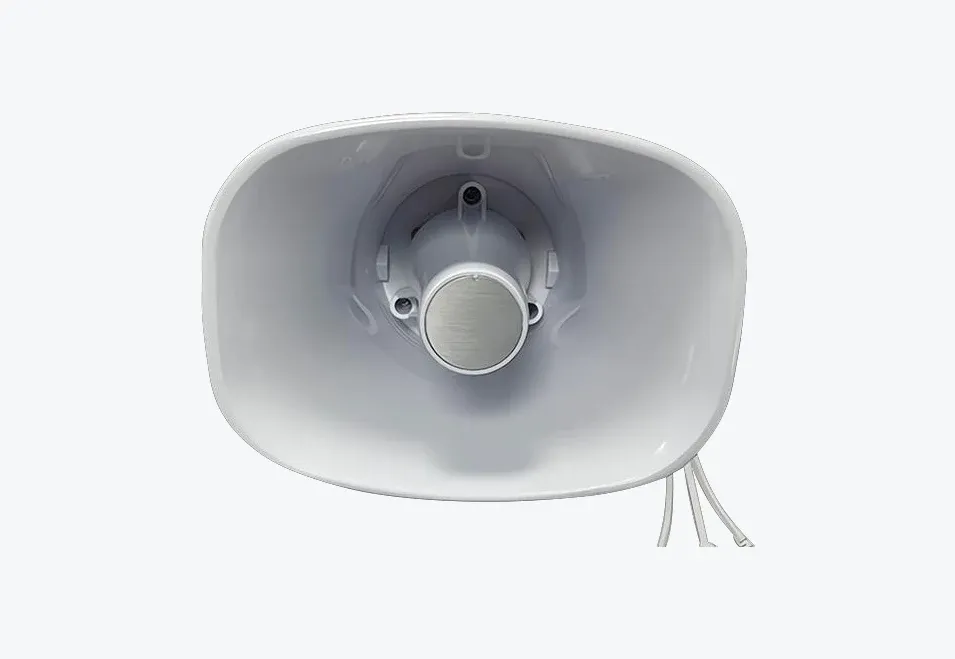
And so the camera system works in steps. The camera sees. The analytics notices. Nx Witness notifies. The operator checks. The speaker warns. Where needed, the security team acts. But the event does not end there.
Finding the important footage quickly afterwards
Say the operator resolved the night's situation. The person left. Where needed, the security team acted. But the next morning the security manager has to look back at the incident.
What exactly happened? At what time did the camera raise the alarm? Which footage needs watching again? Was the action taken the right one?
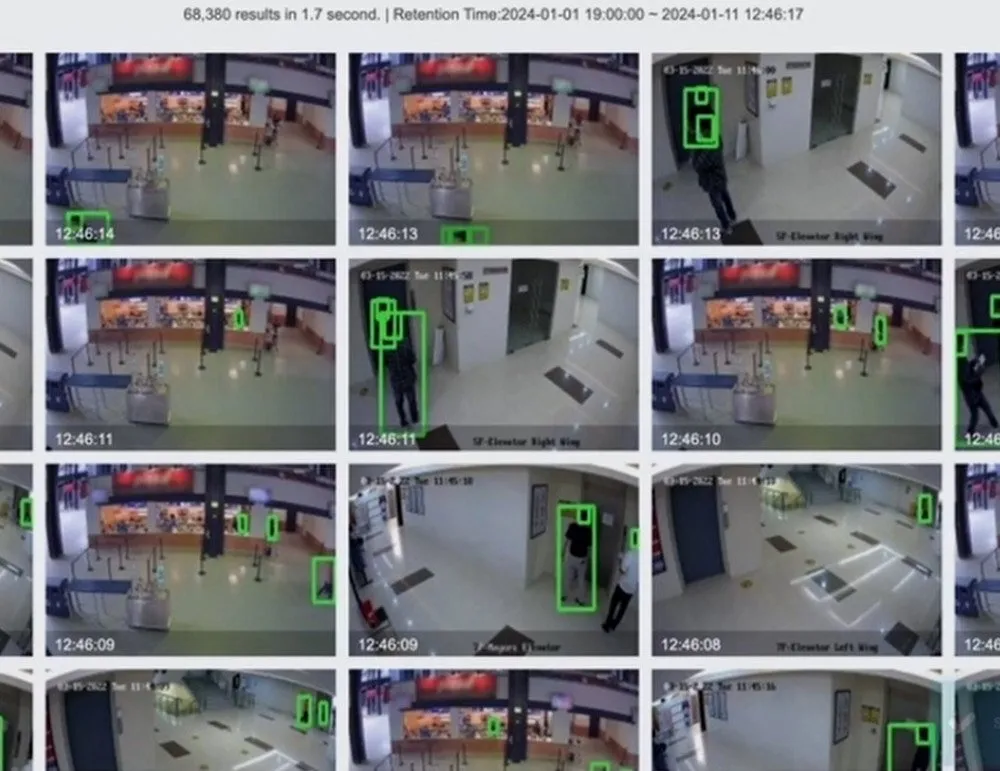
Searching hours of recording for that moment is not the way to do it. This is where the Nx Witness bookmark comes in. The operator can mark the start and the end of an important event and save it with a name and a description. Returning straight to that footage and reviewing what happened then becomes easy.
Used properly, a bookmark is not simply a tool for marking footage. It is a short route back to that event later. The footage the operator needed tonight may be what the security manager needs tomorrow. It is used again when an internal review or an examination of that incident is required.
And so one event gains a full cycle: Detect → Notify → Check → Respond → Bookmark → Review.
Six steps in order. 1. Detect — the on-camera analytics finds the configured condition. 2. Notify — Nx Witness passes it to the operator under its rule. 3. Check — the operator judges the situation on the live picture. 4. Respond — a warning through the speaker, and the security team where needed. 5. Bookmark — the relevant footage is marked. 6. Review — the next day the mark leads straight back to it.
One event, from beginning to end
Now let us follow that sequence through an example.
02:14
A person enters the ATM area. The Milesight camera is recording and the video analytics is running normally.
02:17
The person stays in the predefined zone longer than the configured time. The camera detects it and raises an alarm.
02:17:01
Nx Witness receives the alarm and notifies the operator under the configured rule.
02:17:05
The operator opens the live view from that ATM and checks the situation.
02:17:15
If needed, the operator gives a spoken warning through the camera's speaker or an additional one.
02:18
If the situation continues, the contracted security company is informed and action is taken on site. Afterwards the relevant footage is marked as a bookmark.
09:00 the next day
The security manager goes straight to the footage through the bookmark and reviews what happened and what was done.
At that point the recording is no longer only evidence. It remains a record of how the security operation was run.
A bank and a contracted security company can work on one system
A bank may have its own monitoring centre and at the same time use the services of a contracted security company. Which means two organisations have to work on one system.
But the contracted security company does not need rights over every camera, every recording and every setting the bank has. With Nx Witness permission management, each user's rights can be set separately: which cameras they see, whether they can view live, whether they can view the archive, whether they can use bookmarks.
For example, the bank can run the whole system from its own monitoring centre while the contracted security company is given the rights it needs to only the ATMs and cameras it is responsible for.
So: the bank watches the whole system. The contracted security company watches, alongside it, only the sites it is responsible for.
The point here is not that more people can look at one camera. It is that the right person can reach the right camera with the right rights.
Two organisations connect to the same Nx Witness. The bank monitoring centre runs the whole system. The contracted security company has only the level of access it needs to the ATMs and cameras it is responsible for. The rights are organised with Nx Witness user and permission management.
Several layers of protection work behind one camera
And so a whole operational sequence comes to stand behind one camera at an ATM. The Milesight camera watches on site. The on-camera video analytics detects the situations that need attention. Nx Witness centralises the information and notifies the operator. The bank's operator checks the situation. Where needed, the contracted security team watches its own sites alongside. A warning can be given directly to that location through the speaker. A bookmark can mark important footage for the next day's review and for an internal examination.
The shift
From "camera plus recording" to "detection plus people plus response plus review"
This is not simply a list of one device's many capabilities. Something larger is happening. Video surveillance is moving from the idea of "camera plus recording" to the practice of "detection plus people plus response plus review".
Time to measure a camera system by a different question
It is easy to measure a surveillance system by asking: "is there a recording?" But in an environment carrying as much responsibility as an ATM, that question alone is not enough.
Instead: How quickly was the problem detected? How quickly was the right operator notified? Could the operator check the situation immediately? Could a warning be given on the spot when it was needed? Could the contracted security team watch only the cameras it is responsible for? Could the event be found and reviewed quickly afterwards? These questions matter more.
The aim of a good video system is not to have more screens. Putting up more cameras is not enough on its own either. It is to detect the event that needs attention at the right moment, get it to the right person, shorten the time it takes to respond, and make it possible to review afterwards what happened.
What the camera saw matters. But for a security system there is one more important question. From the moment the camera saw it, how quickly did the organisation act?